
bsport app: the whole account on your phone
The bsport app puts the sportsbook, casino lobby and cashier behind one login. Buttons sit within thumb reach, and the deposit sheet opens over the game you’re already in.
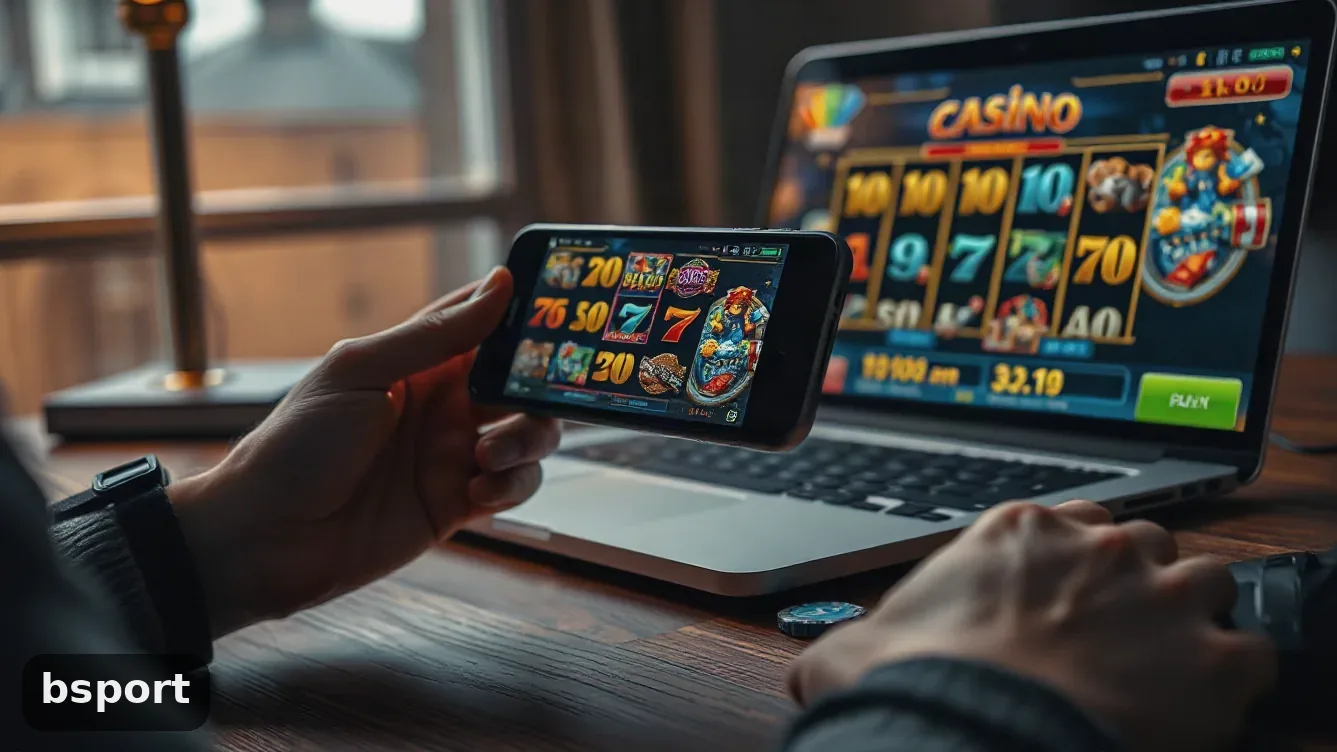
The bsport app, screen by screen
Same login as the website, so you don’t set up anything twice. The bottom bar has four icons: home, sports, casino, cashier. The rest of the app sits behind those.
Sports bets: the slip stays put
Choose a league and tap the odds; the slip pins to the bottom of the screen. Add a second or third pick and the first one stays visible, which matters on a 6-inch phone you’re holding with one hand.
Live dealer tables on mobile
Slots open in portrait and the paytable is one swipe away. For live dealer tables you have to turn the phone sideways. If the signal drops mid-hand, the table comes back where you left it. The game list is on the bsport casino Vietnam page.
Cashier opens over the game
Deposits and withdrawals pull from the same wallet as the desktop site. The cashier slides up over whatever is underneath; close it and you’re back in the table, no reload.
- Bet slip stays put when you turn the screen
- One tap to deposit from the cashier sheet
- Slots in portrait, live tables sideways
- You stay signed in until you log out
One downside: the app reopens the last screen you had open. That’s handy until you pass the phone to someone else. Use log out in the menu, not just close the window.
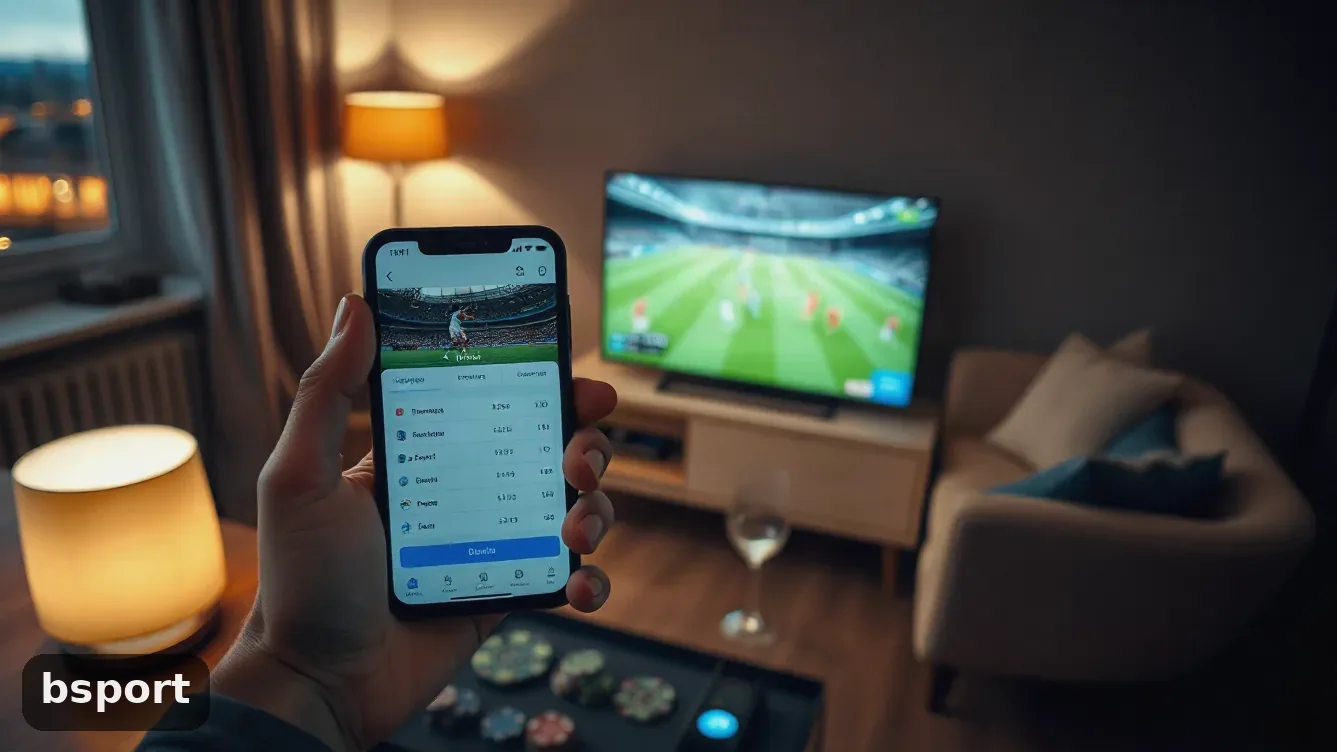
Should you install the bsport app?
- Android install takes under a minute, no app store needed
- Every pick stays visible on the slip while you build it
- Cashier opens over the game, nothing reloads
- Works on 4G if you turn down the lobby images
- Promo code and welcome pack match the website
- iPhone users add a home screen shortcut. There’s no native app, and no App Store or Play Store listing.
- Live dealer tables feel cramped until you rotate the phone
- The Android install warning puts a lot of people off
- You still need to verify before your first withdrawal
The welcome pack is the same on mobile
What you get on the phone is what the desktop site gives: one welcome pack split between bonus money and spins. Enter the promo code before you send the cash. The wagering rule is in the bonus terms, so read those before you accept.
150% on the first deposit
Your first top-up gets a 150% match from the welcome pack, up to 20M ₫ in bonus money.
200 free spins
The same welcome pack gives 200 free spins that show up in your account with the bonus money.
Code fun_2423
There’s a promo box on the sign-up form and another on the deposit screen. Fill it in before you confirm.
How to install bsport on an Android or iPhone
Both installs take less time than making the account. On Android you download a file from the site and allow one permission. On iPhone you add the site to the home screen; the icon opens without browser bars. No store listing to hunt for, and no update prompt while you’re in a bet.
Use the phone you bet on and the browser you already open every day. You won’t need a laptop for any of this.
Put the icon onto your home screen
-
1
Open the site in Chrome or SafariUse Chrome on Android or Safari on iPhone. Other browsers can work, though the install prompts are harder to find.
-
2
Allow the Android installYour phone will warn you about files from outside the Play Store. Tap settings, allow the browser once, then confirm.
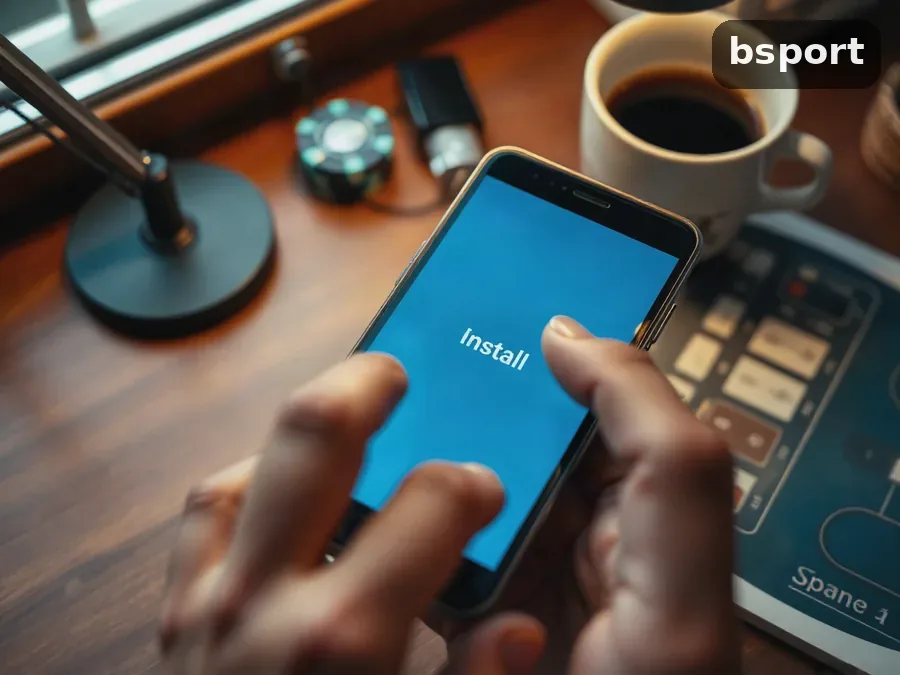
-
3
Add the shortcut on iPhoneIn Safari, hit the share button and pick Add to Home Screen. The shortcut lands next to your other apps.
-
4
Sign in with your existing accountYour website username and password work here too. If you don’t have an account, the bsport sign up page takes a couple of minutes on your phone.
What the app is like on 4G in Vietnam
The lobby eats data; bets don’t. A bet slip sends almost nothing; a wall of game thumbnails is the slow part. On 4G in Hanoi or Ho Chi Minh City the app opens fine, but the lobby takes a second or two to fill in after the header.
Two habits save data and battery. Turn off autoplay on slots so the app stops pulling new graphics in the background. Deposit before you open a table, not while the reels are spinning.
- Autoplay off during long sessions
- Slots stay in portrait, live tables sideways
- Cashier first, then the game
Play long enough and the phone gets warm. Drop the brightness a notch; that saves more battery than any setting inside the app.
Moving money from the phone
On the phone the cashier is the same one as on desktop. Open the bsport payments software page for the methods Vietnamese accounts can use; the app shows that list in a sheet.
If the app freezes or the screen goes white
Most freezes are down to the connection, not the software. Switch from wifi to 4G, or back, then reload the page.
- White screen after an update: clear the browser cache and reload the site
- Stuck on the loading wheel: turn off the VPN, as some providers block the site
- Android blocks the install: allow the browser in settings, then try the download again
- Signed out by itself: change the password, then sign in again
- Payment sheet is blank: close the game first, then open the cashier
Two failed logins is enough. Use the reset link instead of guessing, and take a screenshot of any error for the chat.
No store update to wait for. When the site changes, the shortcut pulls the new version by itself; you only need the Android file again after a phone reset or a cache wipe.
You have to be 18 or over. Go into account settings and set a deposit limit before you play your first session. If betting stops being enjoyable, remove the icon from your home screen for a week and see what happens.
What people ask before they install it
Can I get the bsport app from the App Store or Google Play?
No. On Android you install a file from the site; on iPhone you add a shortcut to the home screen. Either way it opens the same account as the browser, so your balance and open bets are still there.
Can I claim the welcome bonus on my phone?
Yes. You get the same 150% first-deposit bonus up to 20M ₫ and 200 free spins on mobile. The wagering terms are the same for both versions, so read them before you take the money.
Where do I put promo code fun_2423?
Use the promo box on the sign-up form. If you already have an account, it goes on the deposit screen. Before you confirm the payment, make sure the code is showing in that field.
Can an older Android phone handle it?
The install file is small enough for an older phone. Live dealer tables need a stronger signal; slots and the bet slip run lighter.
Can I cash out using just my phone?
Yes. The cashier opens on top of the game and withdrawals use the same wallet. You have to verify your identity first; that part is easier on a larger screen.
What happens to my data if the phone is shared?
Log out before you pass the phone on, and don’t tap save password. The bsport privacy policy shows what stays on the device.